


SIP Account Step-By-Step
Easy Step-by-step Account Signup
-
Navigate to https://trunking.clearlyip.com
-
Click on the “Login or Signup” button in the top right corner

3. Click on the “DON’T HAVE AN ACCOUNT? SIGN UP! option to create a new account.
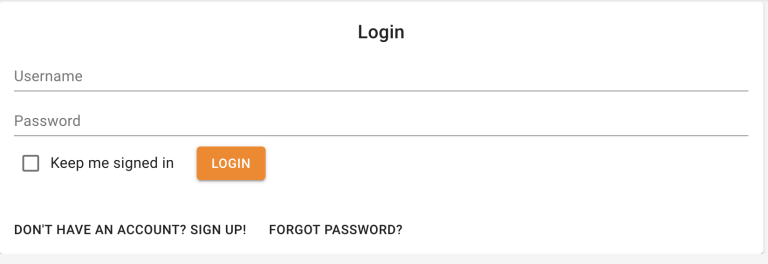
4. Fill in your information below.
- If you get an error on the Captcha not matching press the REFRESH option next to the Captcha to generate a new Captcha.
- Press the “SIGN ME UP” button to complete your sign up.

5. Your information will be submitted and 5-10 seconds later you should get a pop up that you account has been created and that you need to now verify your email address before you can login.

6. You will now receive a email with a link to verify your account with us.
Click on the link in your email to verify you are the owner of the email address.
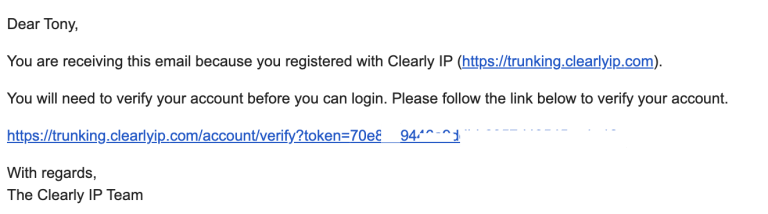
7. You can now login to the store with the username and password you defined above.
Once logged in you can start making purchases by Click on Locations and Adding a new Location.

8. Once logged in you will get a notification bar informing you that you need to Contact our Customer Care group before your service will be active. You can continue to make all your purchases, but your service will not be activated until someone from the 14IP team talk with you. This process generally takes less than 5 minutes and, is used to help fight fraud signups.